Improving Web UX: Gestalt Principles in Web Design
Designing a high-performing website is rarely as simple as it looks. We’ve all seen beginner websites that just feel off. There’s a reason professional designers and developers spend weeks refining a layout before launch.
Without a deep understanding of User Experience (UX) and human perception, a design lacks the finesse needed to tell a compelling story or convert leads. When a site fails to guide the user, it just sits there, failing to help the business grow.
One of the most effective ways to fix this is by applying Gestalt Principles. These are laws of human perception that describe how our brains recognize patterns, group elements, and derive meaning from a “unified whole”. While there are many principles, here are 7 essential ones to enhance your next web project.
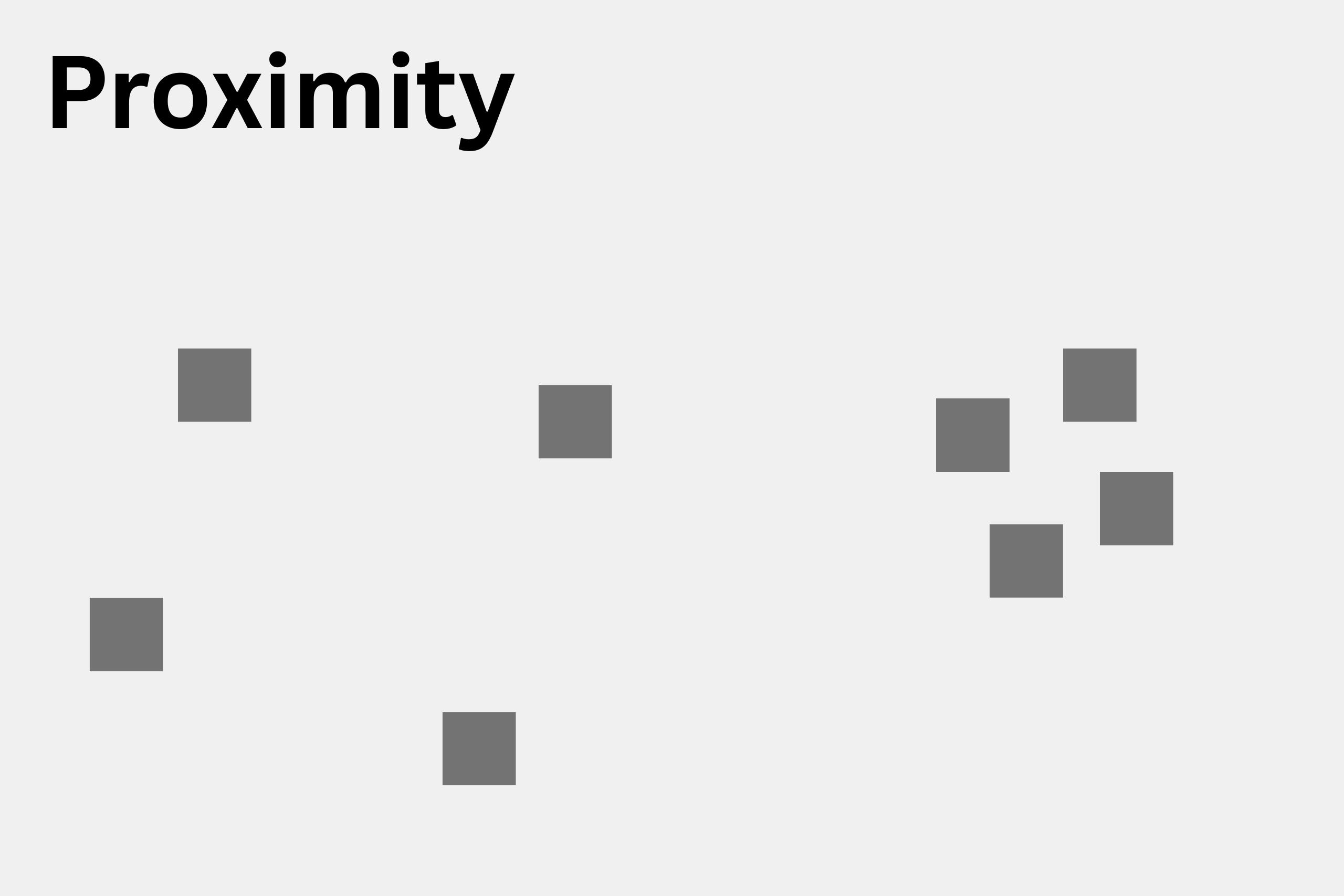
1. Proximity
Elements placed close to each other are perceived as a related group, while those spaced further apart are seen as unrelated.
Web Design Tip: Use proximity to group product features (KSPs) or related navigation links. This helps readers understand relationships at a glance without reading every word. It is the secret weapon of effective minimalist design.
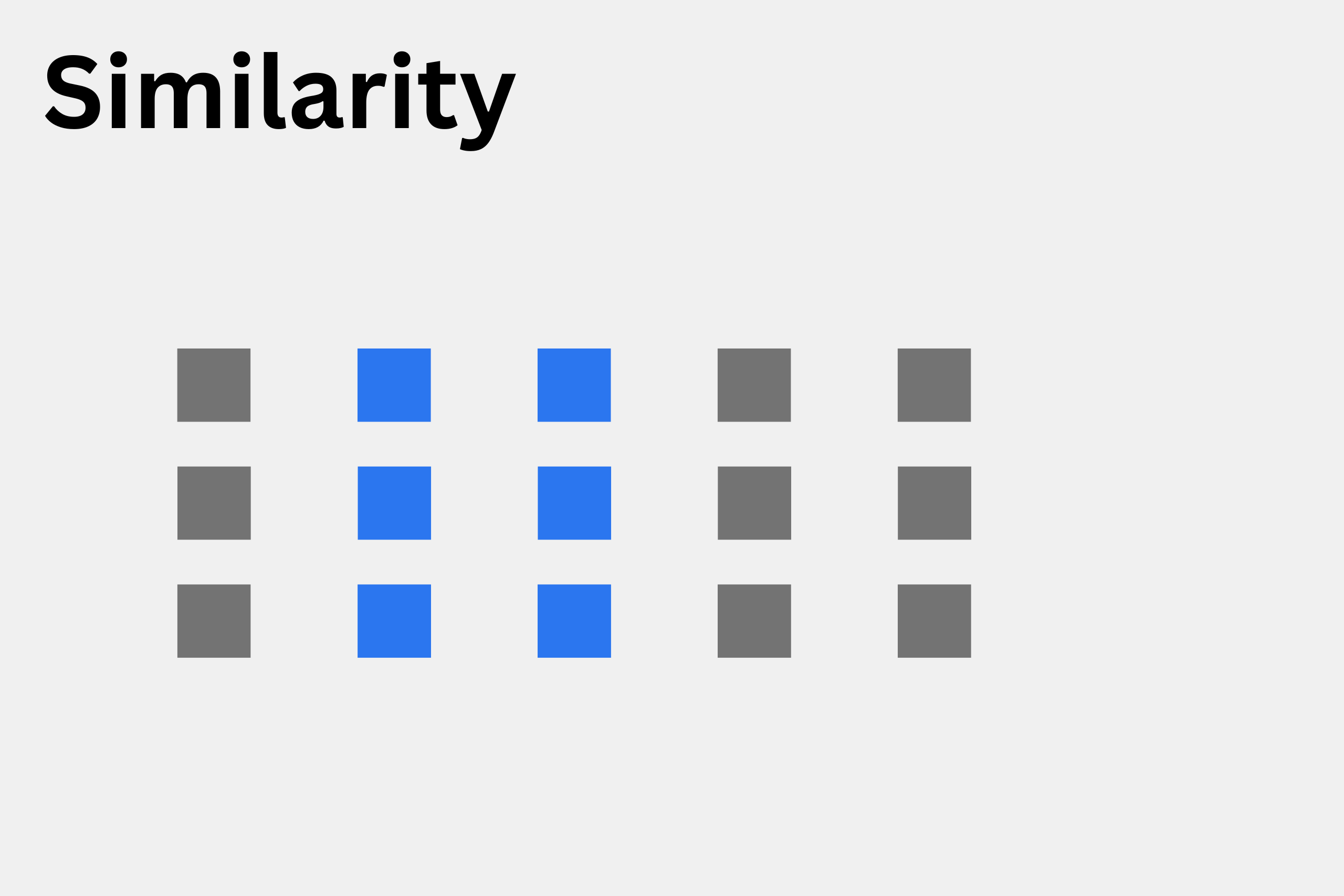
2. Similarity
While proximity is about location, similarity is about appearance. Elements that look alike (in color, shape, or size) are perceived as part of the same group.
Web Design Tip: Apply consistent styling to your CTA (Call to Action) buttons. If every “Buy Now” button is the same shade of orange, the user’s brain instantly recognizes that color as an “action” trigger. This reduces cognitive load as they navigate new pages.
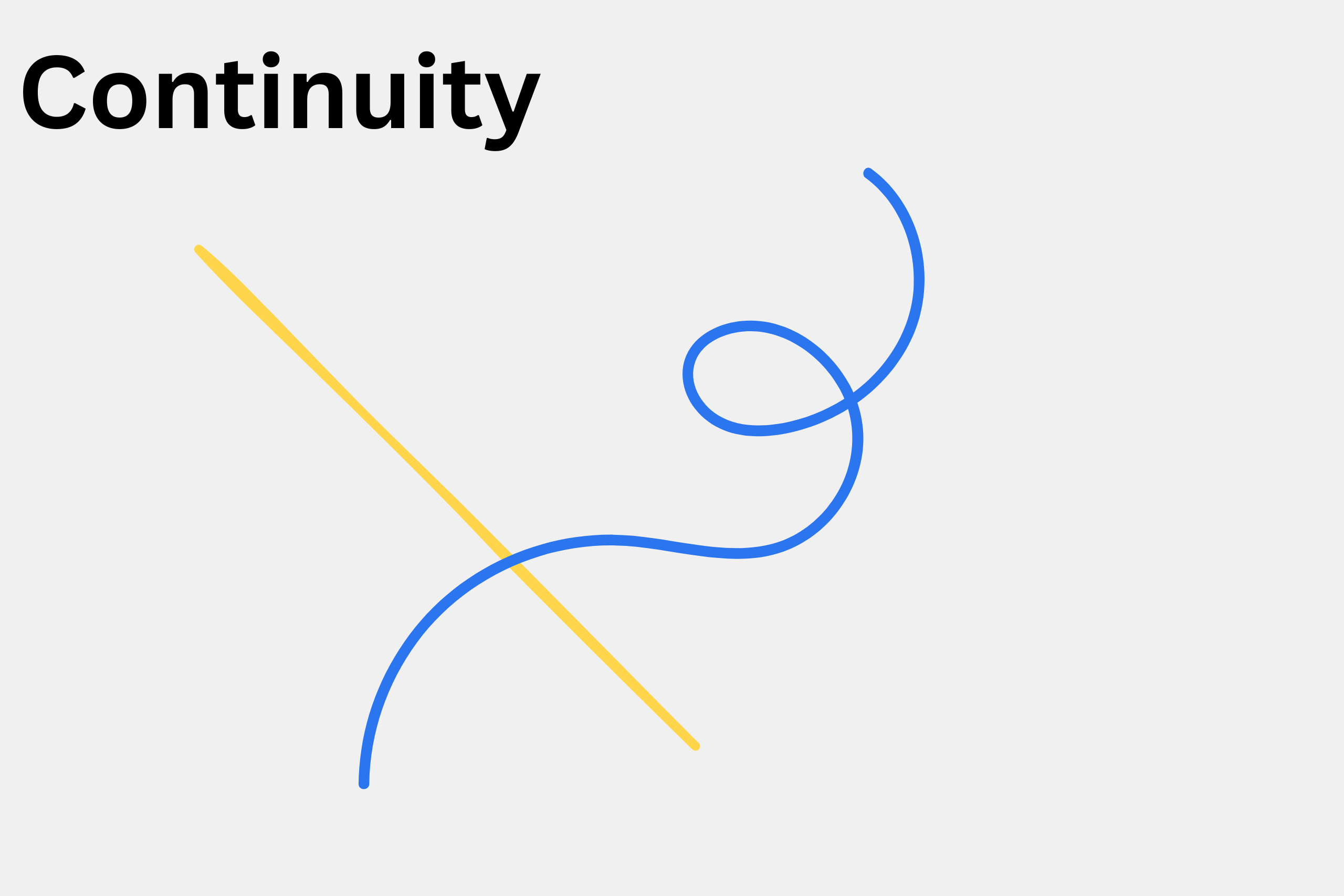
3. Continuity
The human eye naturally follows paths, lines, and curves, even if they are partially obscured.
Web Design Tip: Use continuity to lead a user down a landing page toward a conversion goal. You can guide the eye using directional lines or overlapping elements. To get these curves and paths in the right position, leverage CSS properties like position: absolute or fixed.
Need more tips? Check out our previous guide: Landing Pages: Hallmarks of good Landing Page Design.
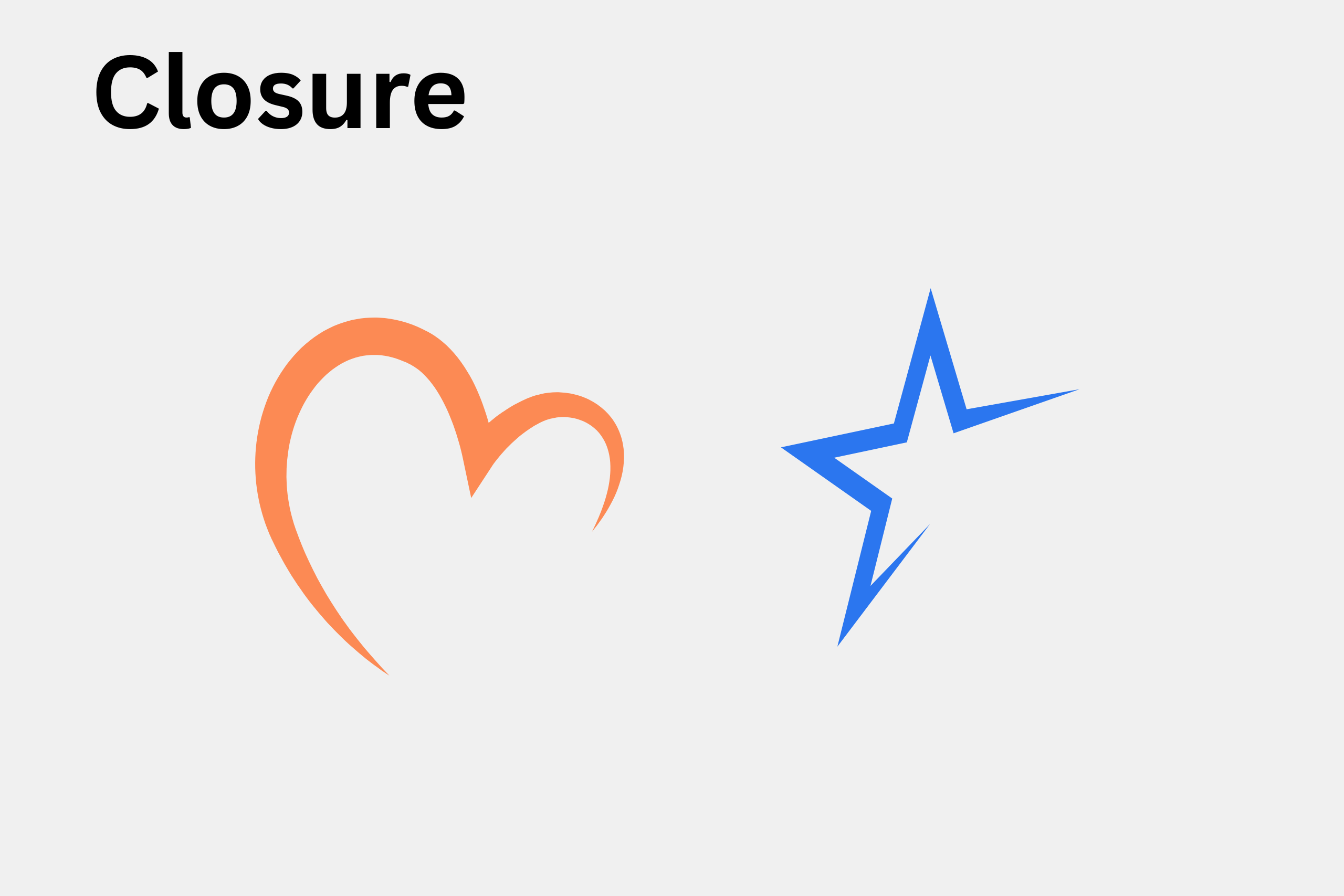
4. Closure
The human brain prefers complete shapes. If an image is missing parts, our minds automatically fill in the gaps to perceive the whole.
Web Design Tip: This is incredibly useful for abstract or artistic branding. It allows you to create sophisticated, minimalist icons or logos that the user can “solve” mentally, making the design feel more engaging and thoughtful.
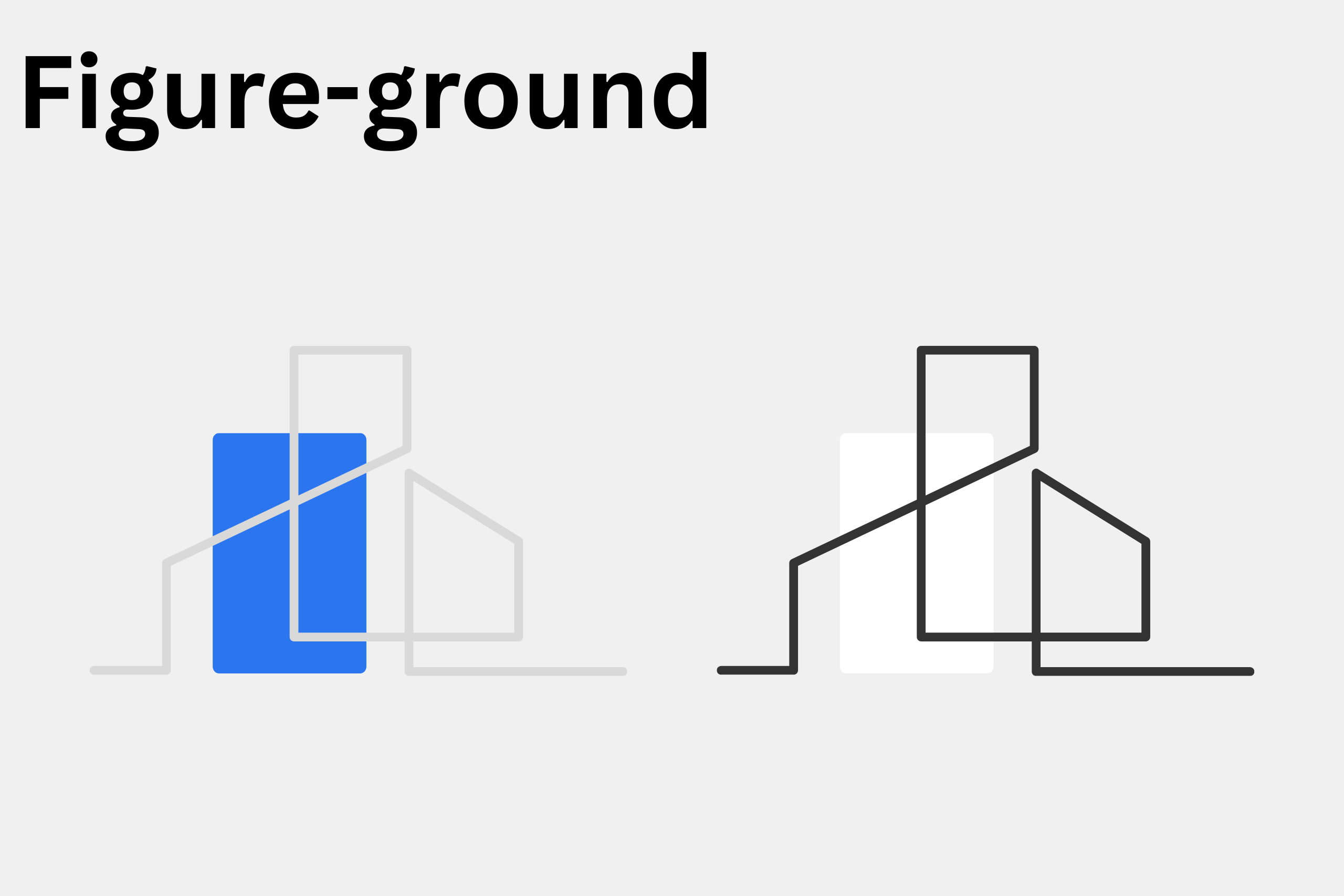
5. Figure-Ground
Our brains instinctively separate an object (the figure) from its surrounding area (the ground).
Web Design Tip: Use contrast to your advantage. Ensure your most important features—like a lead magnet or a headline—stand out distinctly from the background. This is often achieved through shadow effects (depth) or high-contrast color schemes to “pop” the figure forward.
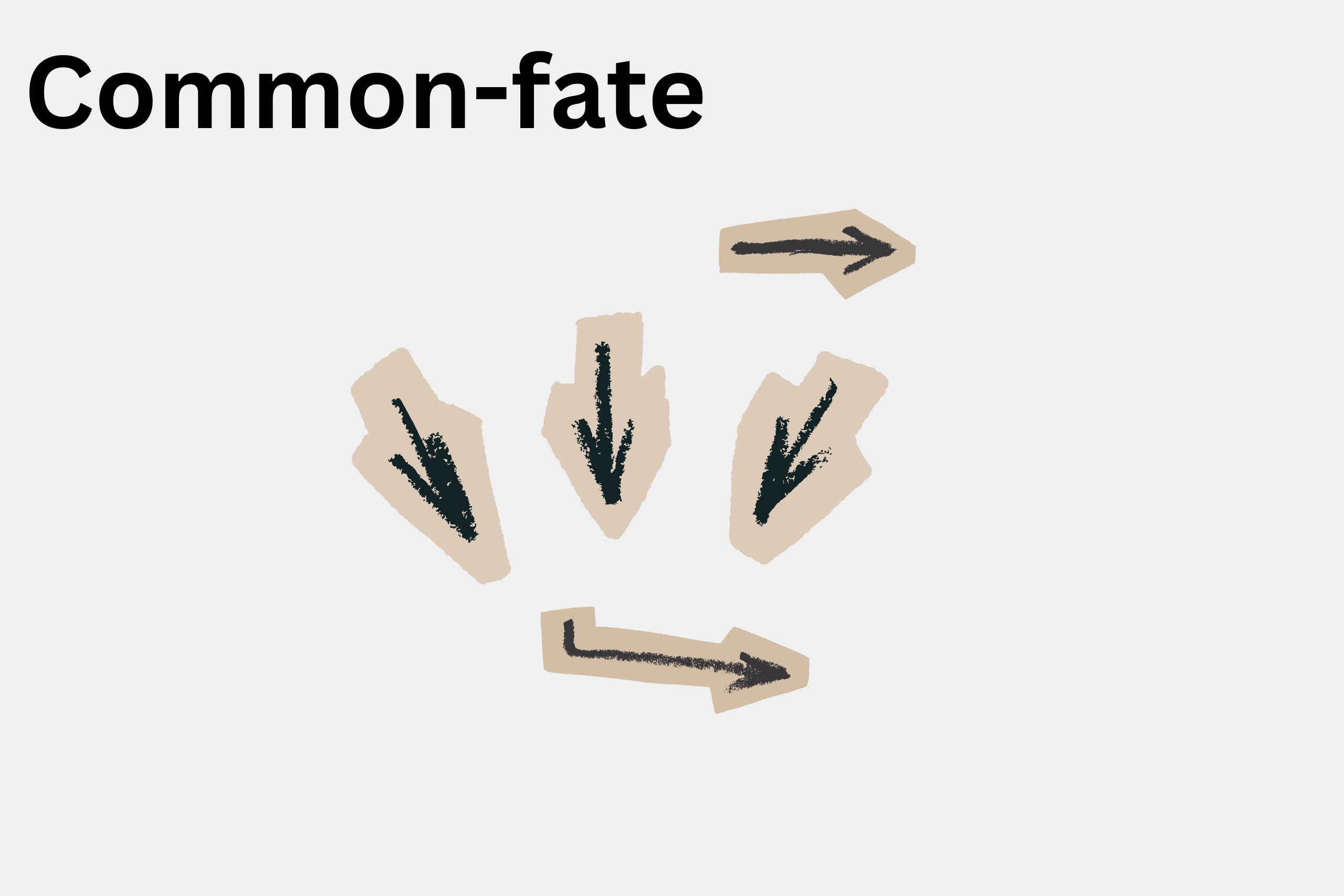
6. Common Fate
This principle is all about motion. Elements that move in the same direction are perceived as more related than those that are stationary or moving differently.
Web Design Tip: Use Common Fate for interactive elements like expandable menus or synced animations. When multiple items slide into view together, the user understands they belong to the same category of information.
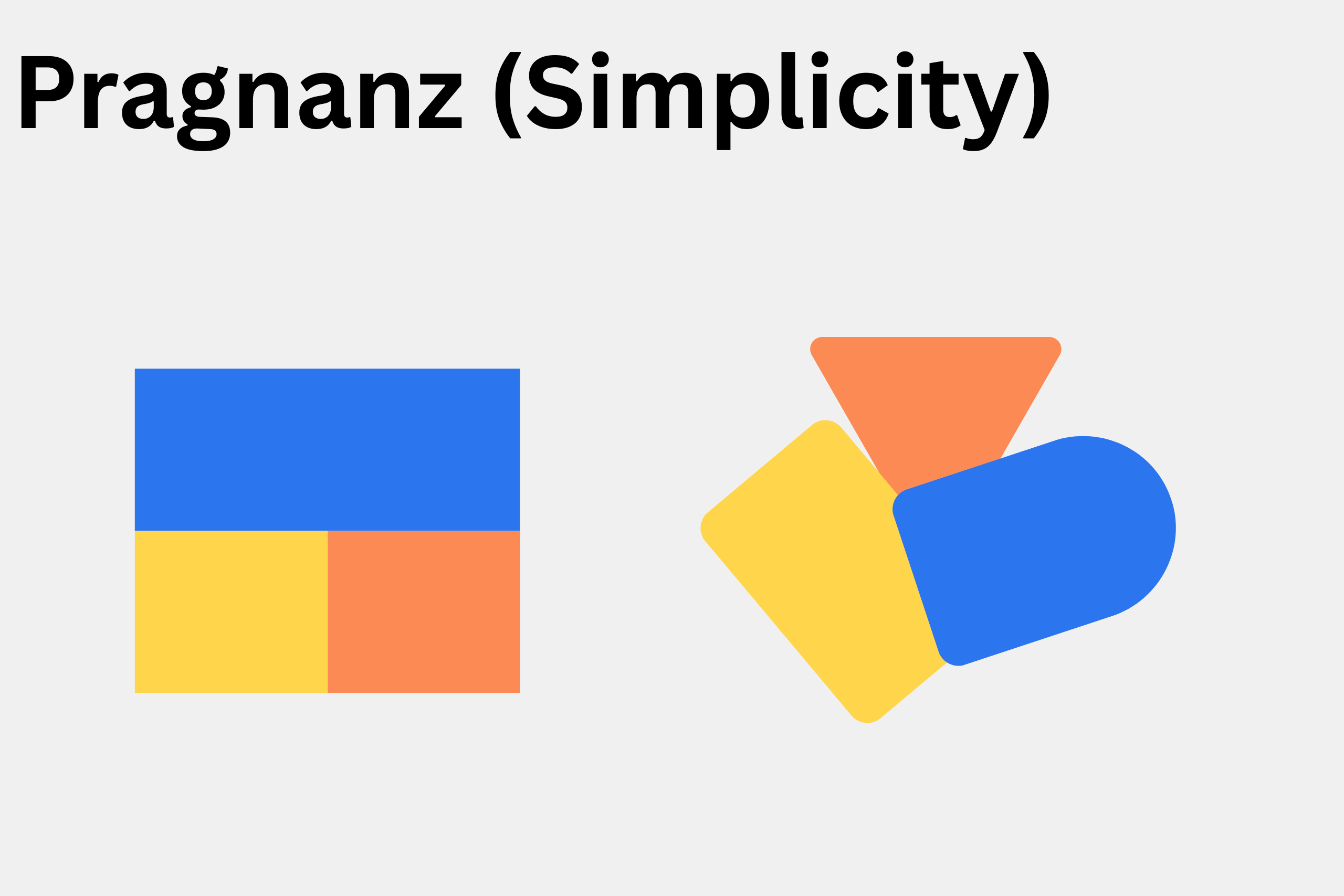
7. Prägnanz (Simplicity)
Prägnanz is the idea that humans prefer to see images in their simplest form. Simple shapes are easier to remember and process than complex ones.
Web Design Tip: This is why symmetry and regularity are so prevalent in web design. By organizing your layout into clean, simple grids, you provide the user with a sense of “order,” making the browsing experience feel comfortable and safe.
By humans, for humans
In an age where AI has an active hand in designing websites, it is crucial for designers to continue to take control of strategy, conversion, and performance. By holding these values close to heart, UX designers will continue to remain relevant and useful for years to come.
Summary
UX design is the art of understanding how humans perceive the world around them. It involves designing interfaces and concepts that guide the user in the right direction naturally and without resistance.
While AI has a basic understanding of the core concepts of UX, it cannot perform real-world user testing, design truly abstract interfaces, or instinctively know the specific emotional feeling or end result you want to achieve. In this regard, keeping a “human in the loop” is infinitely more valuable for creating a site that truly connects with people.
Unlike web design, UX is more of a concept and a skill rather than just a technical implementation. As a specialization, UX can be used across various products—both hardware and software—and even in other forms of art. Wherever humans interact with systems or other humans, UX is in play one way or another.
Yes. At our core, we believe that humans build things that other humans appreciate and connect with. In this regard, we are avid learners of UX disciplines, and we implement UX concepts in line with our clients’ goals to the best of our ability, always.